Save now. Decide later.

Share any article to ForLater. Seconds later you get a short summary and tags, so you open only what's worth your time.

Get it on Google Play

On the bus or the train, you scroll the news and find a long article that you want to read, but not now. So you email yourself the link, or send it on WhatsApp.

Later, a long list of links waits in your inbox, and you open them one by one to find the one you wanted. Sound familiar?

With ForLater, you share the link to the app instead. ForLater reads the article, summarizes and tags it in seconds, and puts it in a feed where you find it quickly and read it when it fits your time. You save links the way you already do. You just never dig for them again.
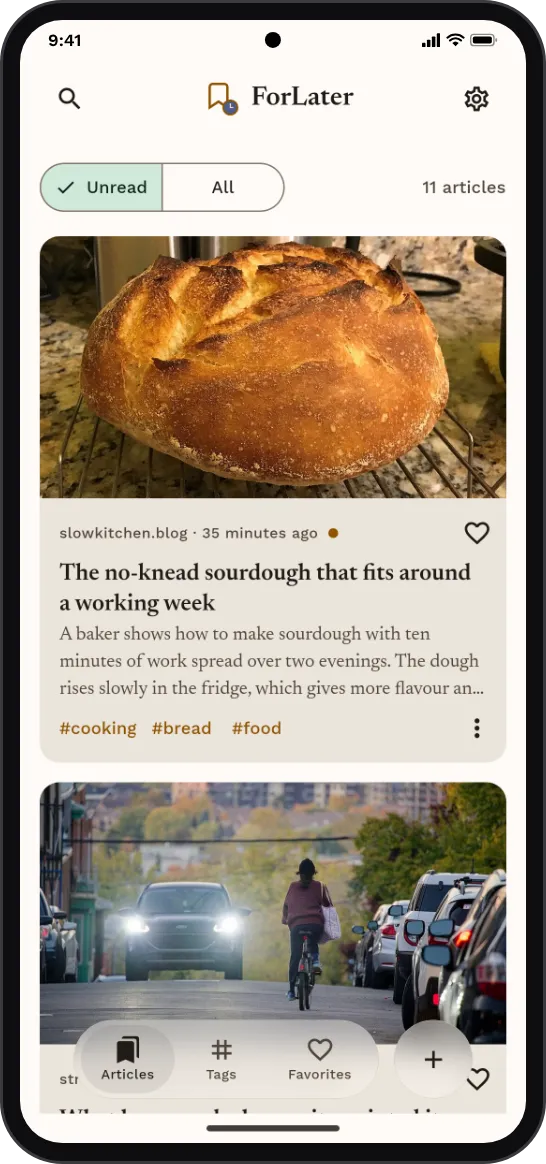
The ForLater feed: article cards with a photo, a short summary and tags.

Every link, summarized.

Each link you save becomes a short summary in your feed.

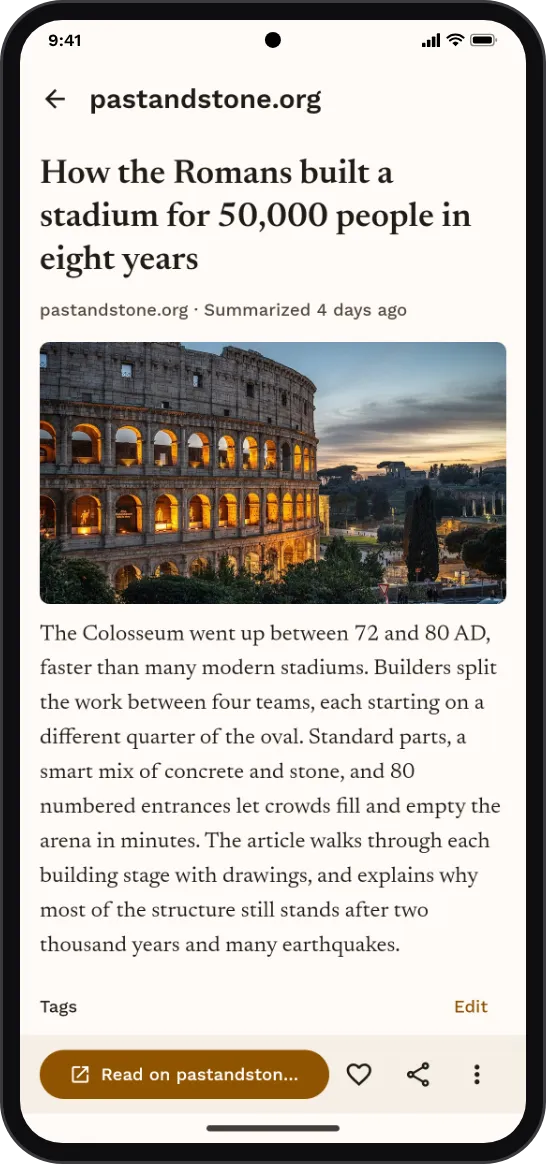
An article in ForLater: the title, the summary, the tags and a button to read the full article.

Read the summary first.

Open the full article only when it earns your time.

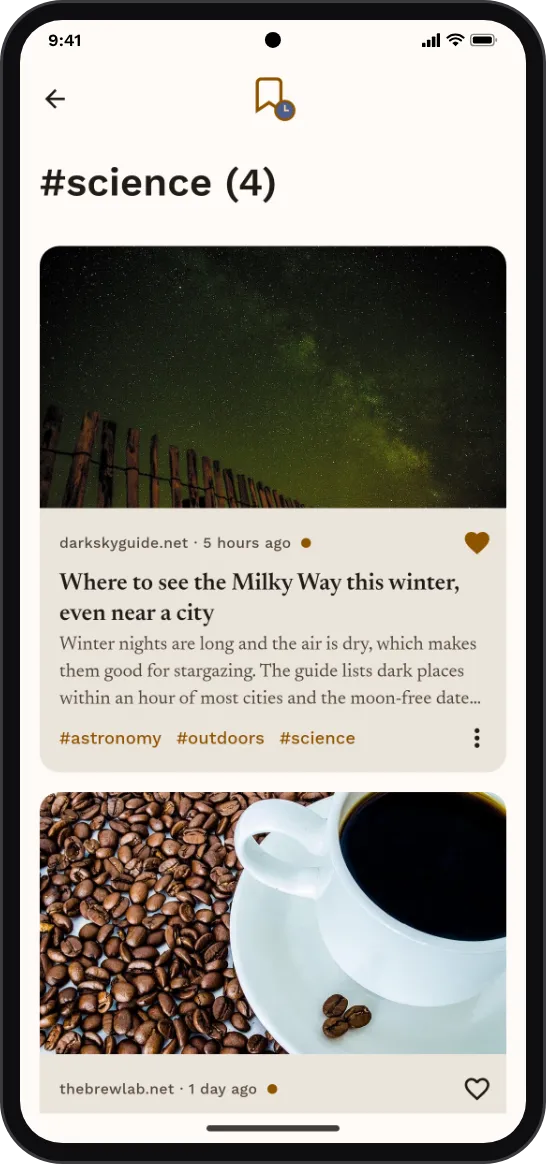
The articles with the tag #science.

Sorted for you.

Every article gets tags automatically.

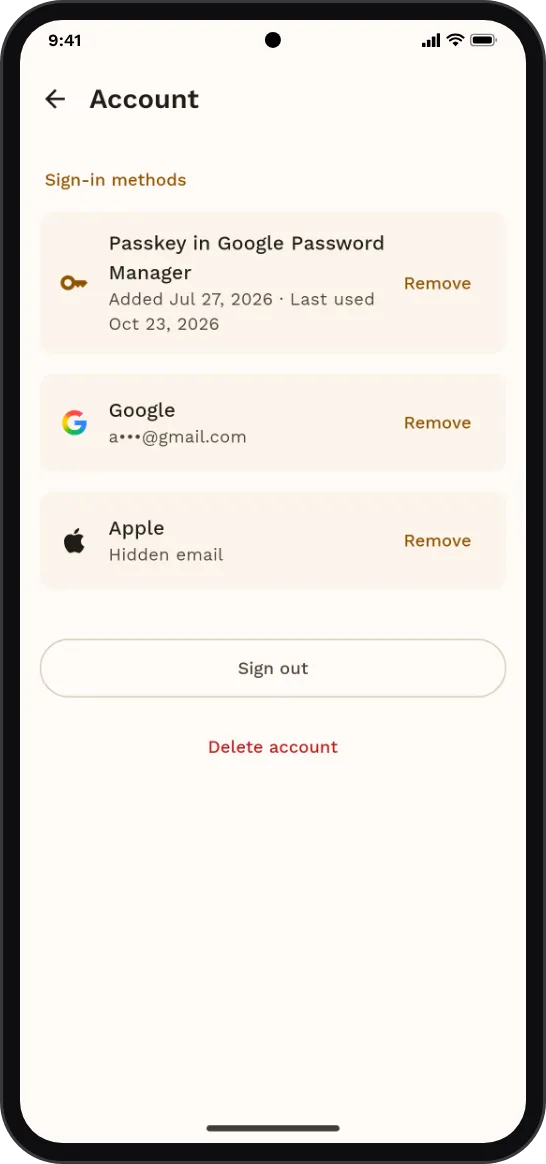
The account screen: sign in with a passkey, Google or Apple, sign out, or delete the account.

Private by design.

No passwords, no ads, no ad trackers. Sign in with a passkey, Google or Apple.

See how saving works

Get it on Google Play

Also on your computer: get the desktop companion.